
Tools & workflow
Build a spreadsheet tracker with a clear purpose
A tracker works when every row represents the same kind of thing and each column answers a question. Build the structure before adding colours or formulas.
Tools & workflow
Choose layout software by testing the book’s difficult pages and required output. A familiar interface is useful only if the production workflow also works.

List what the project must produce before comparing software. A text-led paperback, an illustrated reference book and a reflowable ebook place different demands on a tool. Include the file format requested by the printer or distributor, and any editable material another person needs after the job.
Identify the difficult parts of the book. Footnotes, tables, cross-references, several levels of headings, right-to-left text or frequent image captions may determine the choice more than an attractive chapter opener. A tool that handles the easy pages quickly can still create a large amount of manual work elsewhere.
Consider who will maintain the file. If an editor or designer must make later changes, their access and experience matter. A format that only you can open may be inconvenient for a one-off job and risky for a book expected to receive regular revisions.
Use actual content to create a short test: a chapter opening, ordinary text, an image with a caption and the most awkward table or note structure. Import the material rather than retyping a specially simplified version. This exposes the cleanup required in the real workflow.
Make a revision after the first layout. Add a paragraph, change a heading and replace an image. Watch what reflows automatically and what needs repair. Book production includes corrections; evaluating only the initial composition leaves out a major part of the work.
Export the sample using the intended settings and inspect it independently. Check page dimensions, text, image quality and any required navigation. If a printing service offers a file check, use its documented requirements to assess the test rather than relying only on the application’s export success message.
Ask how the tool gathers linked graphics and other dependencies. InDesign’s packaging workflow, for example, can collect a document and linked assets while reporting issues that need attention. That capability is useful only when the collected materials are complete and their licences permit the intended handover.
Look at the available documentation for the exact version you would use. Features, platform support and licensing can change, so do not make a purchase decision from an old comparison chart. Check whether the functions you need are included in the edition or plan under consideration.
Count learning and correction time alongside the software cost. A lower purchase price can still produce a costly project if every revision requires manual repair. Equally, a complex application may offer capabilities the book will never use. The test sample gives you evidence about your own job instead of a general ranking of tools.
Keep the sample and the settings that worked. If you select the software, they become the beginning of the production method. If you reject it, record the reason: unsupported note structure, inadequate export or a handover problem. That record is more useful than simply remembering that the application felt difficult.
Tools & workflow
A tracker works when every row represents the same kind of thing and each column answers a question. Build the structure before adding colours or formulas.
Tools & workflow
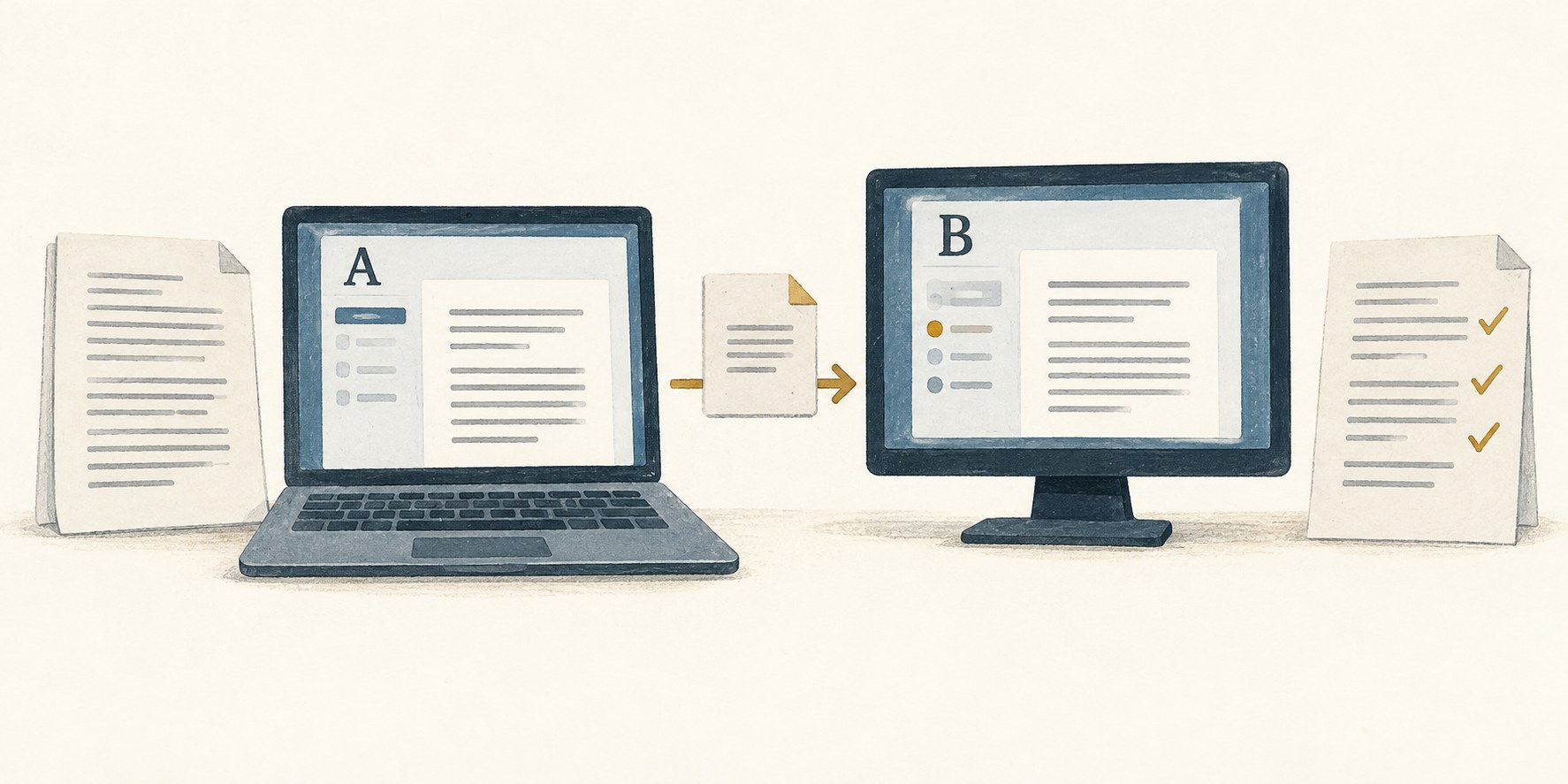
A successful import is only the beginning of a migration. Test the structures you need, keep the original intact and decide when the new copy becomes authoritative.