Book design
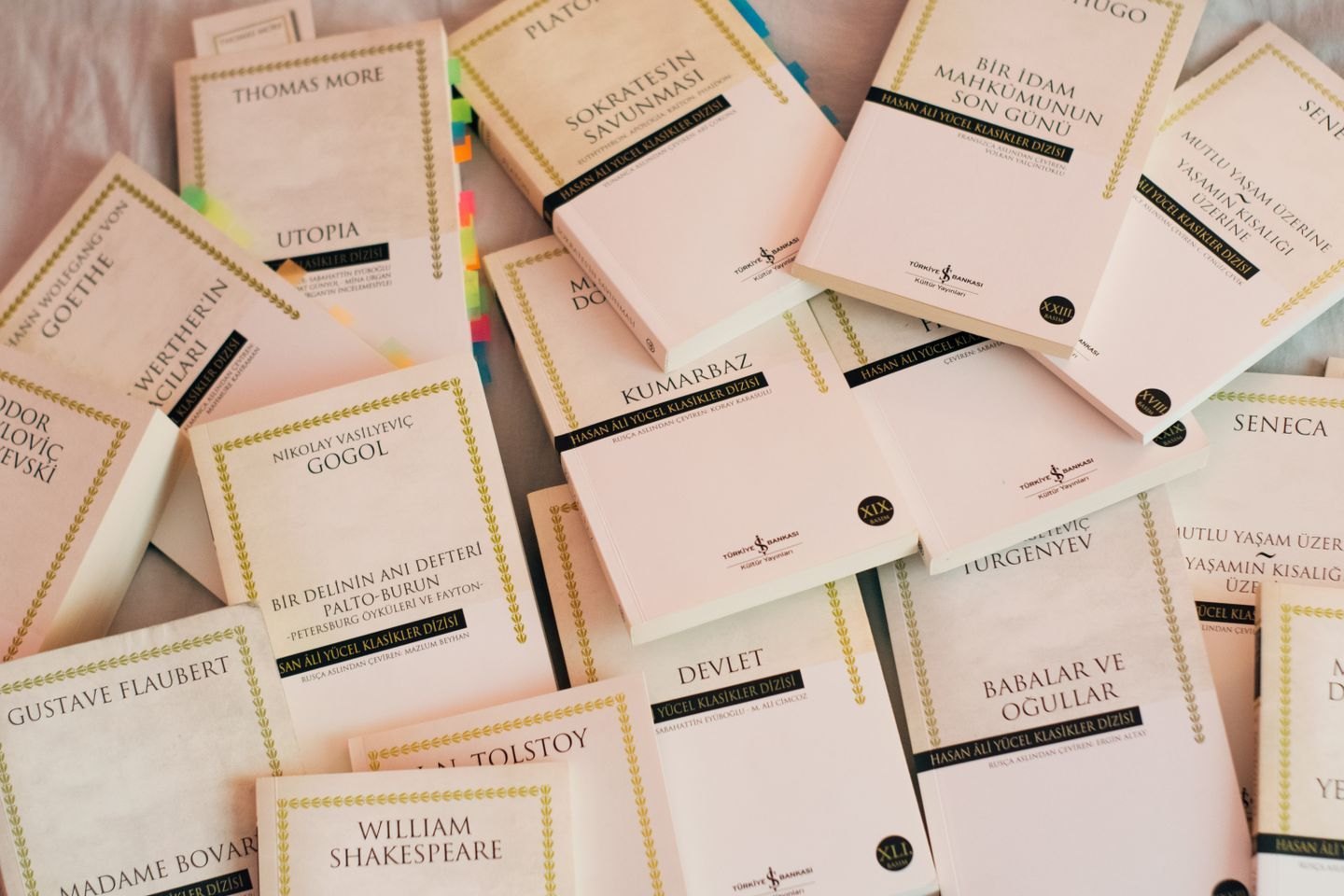
Build a visual relationship across a book series
Related covers need enough consistency to belong together and enough difference to identify each volume. Define both before designing the next book.
Book design
Judge the pixels, the crop and the printed result together before an image reaches the press.
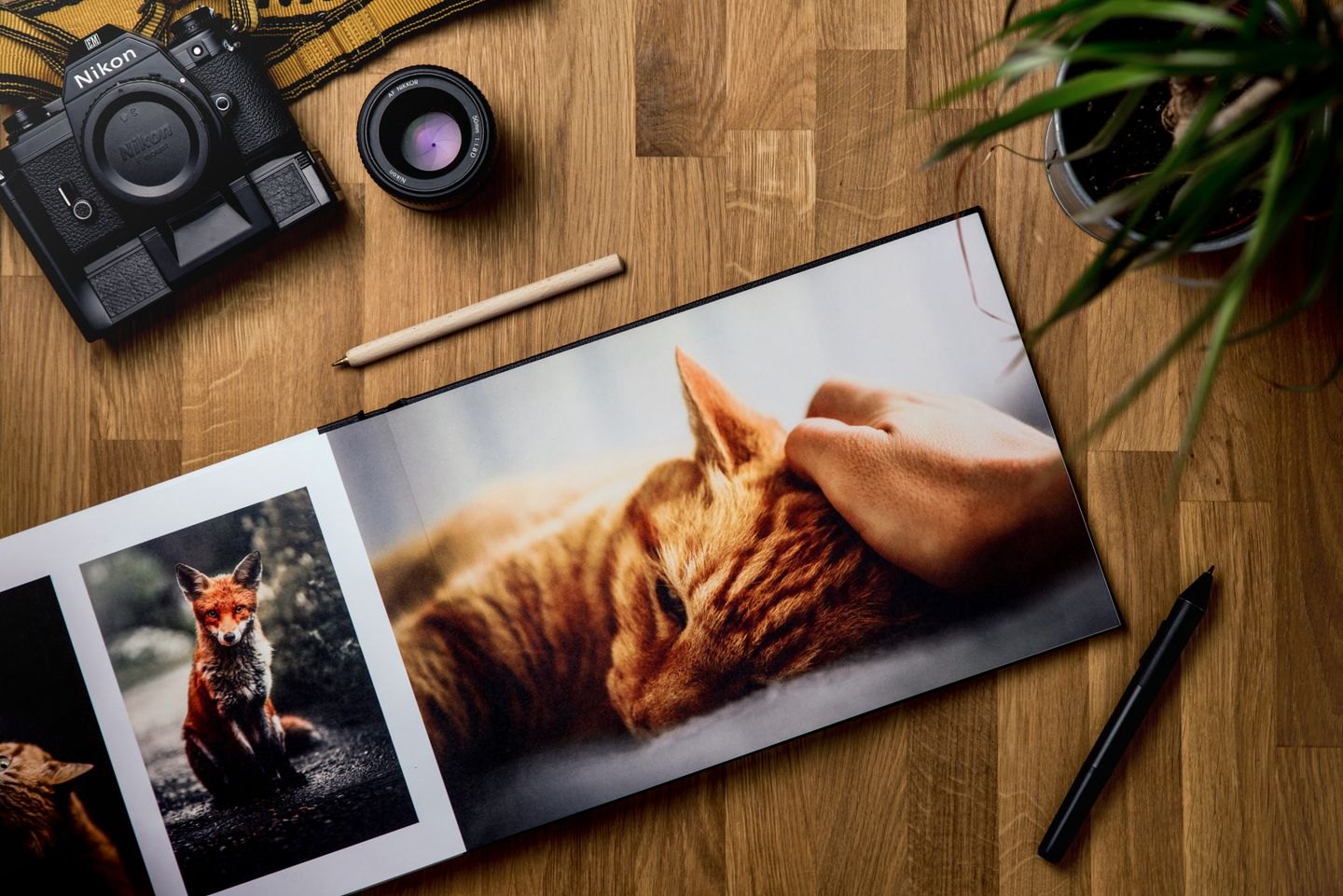
A photograph can look crisp in a small window and become disappointing when it occupies a full book page. The useful question is not whether its file contains a particular resolution label. It is whether the remaining pixels can describe enough detail at the size the reader will actually see. Establish that size before deciding that an image is ready.
Measure the image area inside the layout, including any part that extends into bleed. If the picture will be cropped, judge the pixels inside that crop rather than the dimensions of the original camera file. A wide landscape photograph may contain ample information overall but leave surprisingly little after it becomes a narrow vertical detail.
Suppose a photograph is 2,400 pixels wide and you place its full width across eight inches. That gives 300 pixels per inch. If you enlarge it to twelve inches, the same information is spread across a wider area, giving 200 pixels per inch. Changing a resolution field without adding or removing pixels does not change this relationship.
Ask the printer or production service for image requirements appropriate to the paper, printing process and kind of image. A familiar target such as 300 pixels per inch is a useful starting point for many continuous-tone photographs, but it is not a universal instruction for every production method. Fine line drawings, screenshots and small labels present different problems from a softly focused portrait.
Layout software may report both actual and effective resolution. Effective resolution accounts for the size at which the image is placed. Adobe's guidance explains that enlarging an image reduces effective PPI, which is why checking a file in isolation can miss a problem introduced during layout. Inspect the placed instance after its final scaling and crop have been set.
A missing or outdated linked file can also mislead you. A low-quality preview in the layout application does not always mean the source is poor, and a pleasant on-screen preview does not prove that the final export includes the correct source. Resolve links and inspect the exported PDF, not only the working document.
Look at the subject that matters. In a photograph of a repaired hinge, the pin and screw heads may need to be clear. In a landscape used for atmosphere, individual leaves may not. Inspect the essential detail at the intended output size, then enlarge the screen view to investigate anything suspicious. Avoid judging the whole image solely at extreme zoom, where ordinary photographic texture can look alarming.
Resolution will not repair motion blur, missed focus, heavy compression or clipped highlights. An image with many pixels can still contain very little useful information. Repeatedly saving a compressed file can introduce blocky edges or halos, particularly around lettering. Compare with the earliest available original before trying to rescue a damaged copy.
Upsampling increases pixel dimensions, but it does not recover a reliable record of detail that was never captured. Treat any generated or reconstructed detail cautiously when the image documents an object or fact. A smaller placement, a different crop or a better source photograph may be a more honest solution than a large, artificially sharpened version.
Print a representative page at its intended physical size. Turn off any print setting that silently fits the page to a different sheet size. A desktop proof can reveal small labels, rough edges and an overly ambitious crop, although it cannot fully predict the colour or texture of the production press. For a picture-led book, obtain a production proof on the planned stock when available.
Review photographs together as well as individually. One aggressively sharpened image can look brittle beside softer neighbours. A chapter may alternate between bright and muddy pictures even though each passes a resolution check. Record corrections by image filename and page so that the source file, placed instance and exported proof stay connected.
Finish by saving an unaltered original, an edited production image and the final placement information. This makes later corrections possible without guessing which version was used. The file should be technically sufficient, but the final judgement belongs to the printed subject: can the reader see the information for which this image was included?
Book design
Related covers need enough consistency to belong together and enough difference to identify each volume. Define both before designing the next book.
Book design
Colour differences can disappear in monochrome. Check the information as well as the appearance.