Tools & workflow
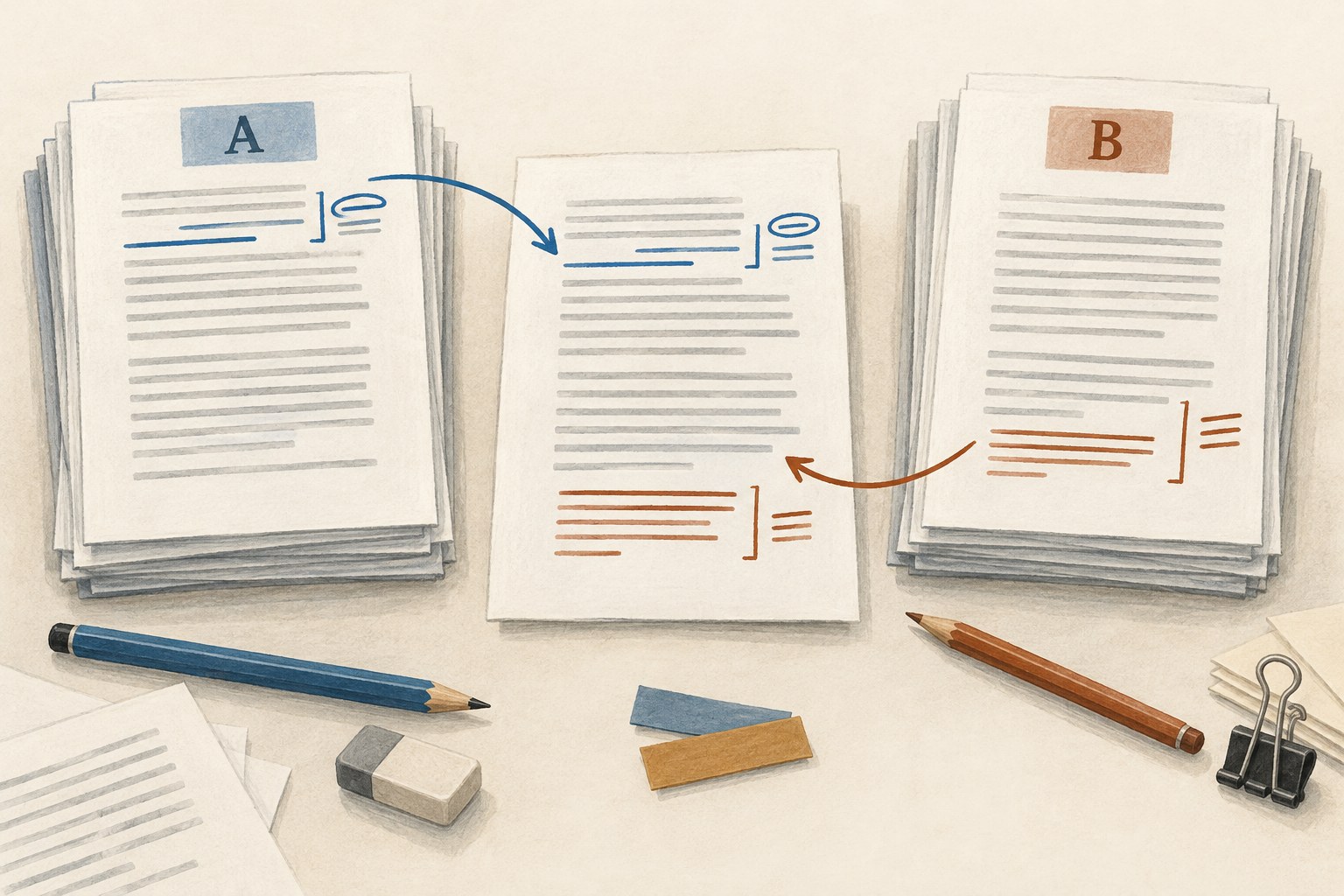
Two conflicting drafts: preserve, compare, reconcile
Preserve both versions first, then compare the changes before choosing a new active draft.
Tools & workflow
Treat export as a conversion that needs its own inspection, especially when the next person uses different software.

The source document can be correct while its export contains surprises. Fonts, notes, page breaks, images and editorial markup may travel differently between formats. Save the exported file with a clear purpose and version, then open that exact file outside the source application's editing view.
Use the application or reading system appropriate to the destination. If the file is going to an editor as a word-processing document, inspect it as that kind of document. If it is a PDF proof or ebook, use the relevant viewer. A successful preview inside the original tool does not test the whole handover.
Confirm the beginning and ending, chapter order, heading hierarchy and presence of all expected sections. Check any material that was intentionally excluded. A compile or export setting may omit a section without producing an obvious error message.
Compare a few distinctive passages with the source, including recent revisions. Search for a phrase near the end of the manuscript and inspect the final paragraphs. Word counts can help reveal a major discrepancy, but equal counts do not prove that the same words or structure survived.
Look at notes, captions, lists, tables and images separately. These elements often expose conversion limits that ordinary prose does not. Follow internal links where the format supports them, and confirm that captions still belong to the correct images.
Check italics, accents, quotation marks, dashes and any specialist symbols. Review comments or tracked changes according to the handover agreement. A clean reading copy should not contain unresolved private notes, while an editorial file may need those changes preserved and visible.
If the next person uses a different application, test a small exchange early in the project. Ask them to inspect representative features rather than simply confirm that the attachment opens. The relevant question is whether the file supports the work they need to do.
When a problem appears, determine whether it belongs in the source, the export settings or the destination workflow. Correct it at the right level, export again and repeat the affected checks. Avoid repairing only the exported copy if future exports will recreate the same problem, unless that final-stage correction is a deliberate documented part of production.
Preserve the accepted source version and its delivered output together. Before sending, open the file from the delivery folder and confirm its identity. A verified export creates a stable boundary between stages: the recipient can begin with the intended content, and the author can later identify exactly what was handed over.
Tools & workflow
Preserve both versions first, then compare the changes before choosing a new active draft.

Tools & workflow
Anchor each correction to a precise location and keep the proof version visible throughout the review.