Tools & workflow
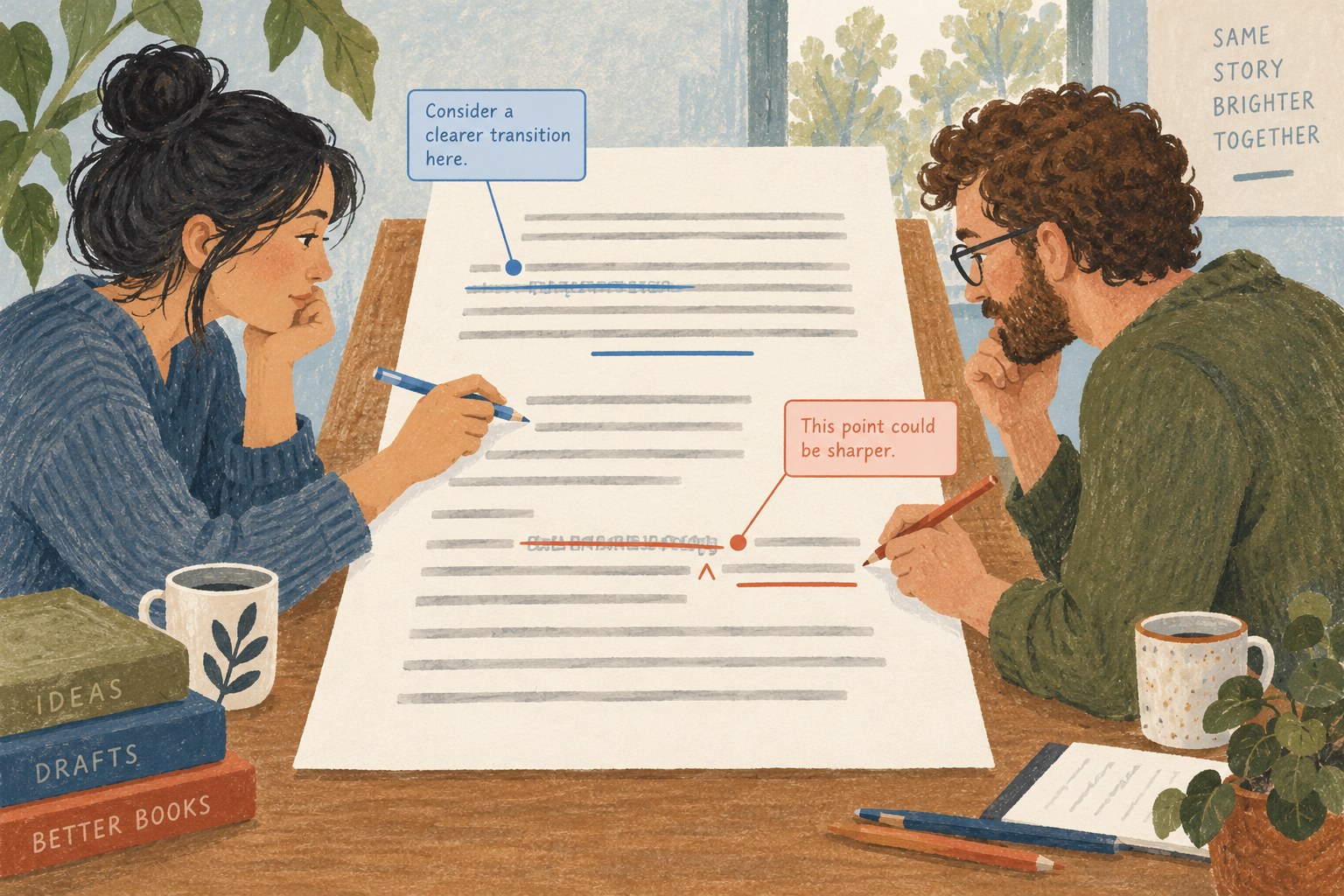
Who owns the next change in a shared draft?
Agree how people should comment, suggest and approve changes before several voices enter the same document.
Tools & workflow
Plain text can simplify drafting when the book’s structure is modest and the later conversion is understood.
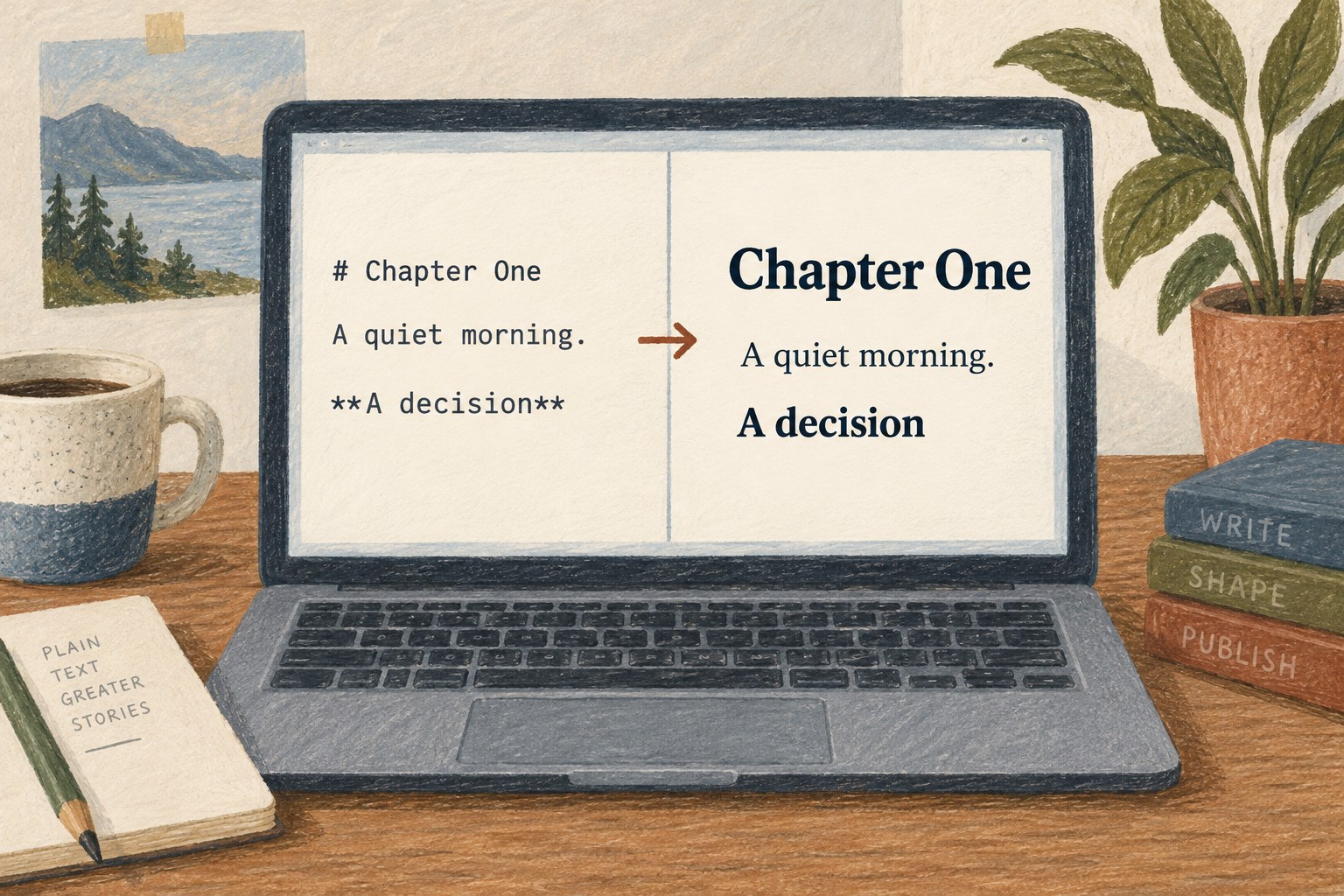
A plain-text draft stores the words without the rich formatting of a word-processing document. That can make the file easy to open in many editors and keep the writing environment simple. It also means that typography, page layout and some editorial features need to be handled elsewhere.
Markdown adds a small set of visible conventions for elements such as headings, emphasis, lists and links. CommonMark documents one widely used interpretation of that syntax. The important point is not to learn every convention, but to decide which elements your manuscript needs and how the chosen export tool will interpret them.
Create a short sample containing ordinary paragraphs, headings, italics, a quotation and any special material you expect. Export it through the actual workflow into a format you will deliver. Open the result and inspect it. A pleasant drafting experience is only useful if the content can leave the editor intact.
Plain text may fit essays, straightforward prose or projects whose production system already expects it. It may require additional work for complex tables, elaborate notes, tracked editorial changes or highly illustrated layouts. These are reasons to test the fit, not reasons to assume that one format is universally better.
Pay attention to the version of Markdown supported by the tools involved. Features beyond the basics, such as tables or footnotes, can vary between implementations. A file that previews correctly in one editor may render differently elsewhere. Keep the conventions deliberately limited when portability matters.
Use clear filenames and a simple folder structure. If a book is split into chapters, record their order in a place that remains visible when the project is opened without the original app. Do not let essential meaning depend entirely on a private sidebar arrangement.
Keep images and other dependencies with the project using stable references. Moving a text file alone may leave its linked material behind. Preserve source information for quotations and research separately from the draft when necessary, but make the relationship easy to recover.
Ask the next person in the workflow what format they need. An editor working with tracked changes may require a word-processing file. If so, decide when conversion will happen and which version becomes authoritative afterward. Editing two formats independently can produce a difficult reconciliation problem.
Keep a verified copy before any major conversion and compare the exported structure with the source. Plain text removes some kinds of formatting complexity, but it does not remove the need for backups, careful naming or editorial review. Choose it when its simplicity supports the actual manuscript and the handover is clear.
Tools & workflow
Agree how people should comment, suggest and approve changes before several voices enter the same document.
Tools & workflow
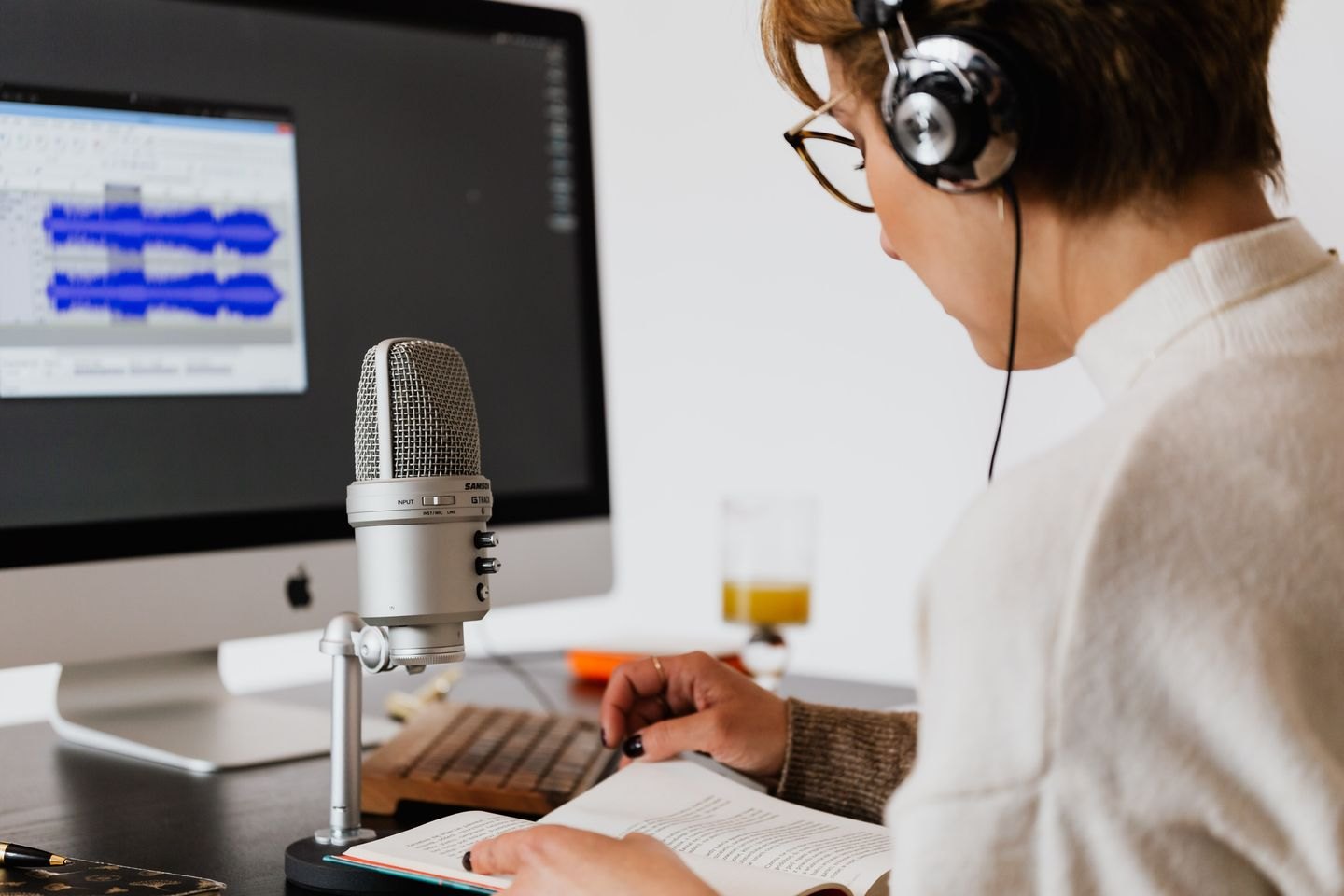
Use a small trial to discover which parts of writing become easier when spoken, and which still need a keyboard.