Tools & workflow
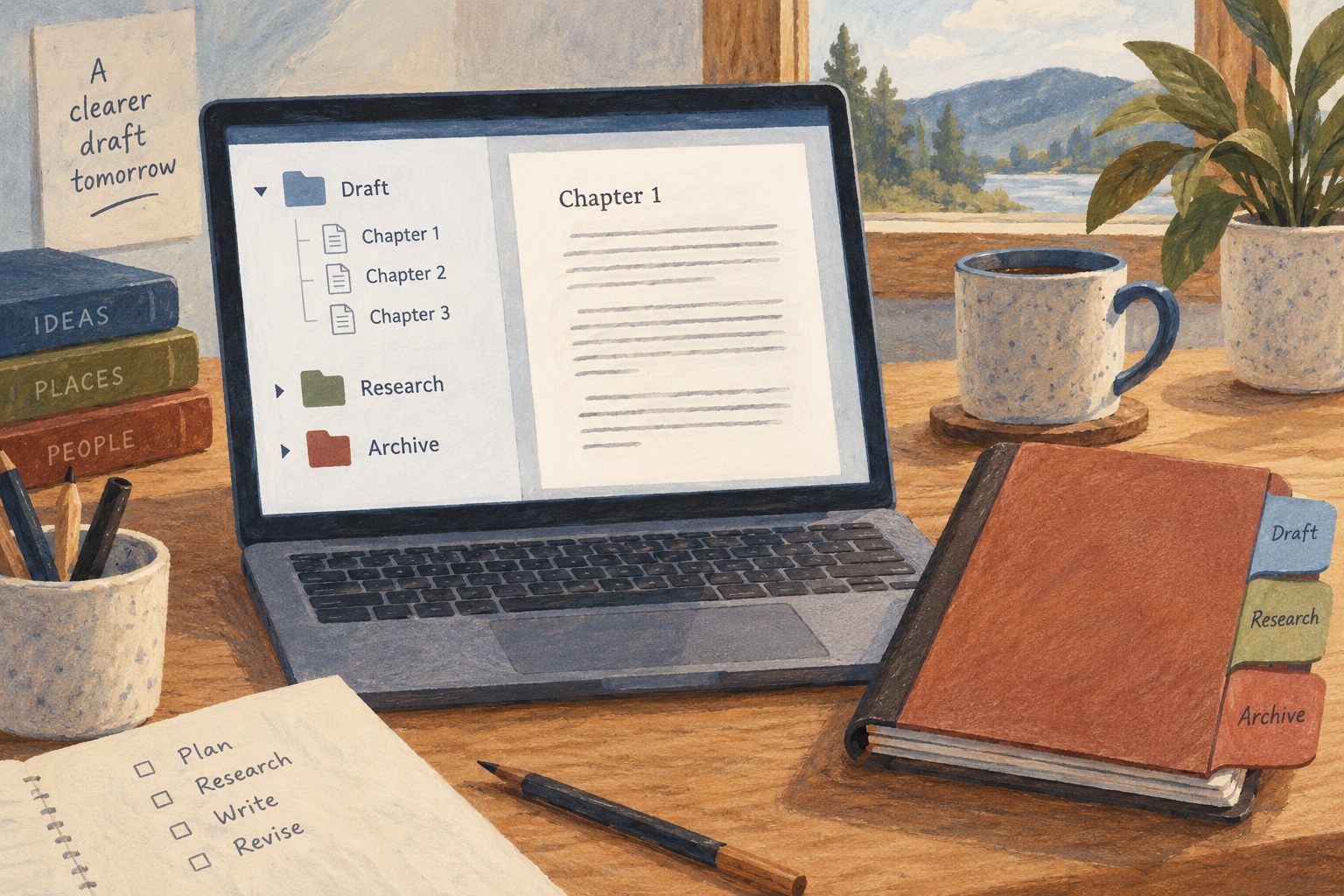
A simpler structure for a Scrivener project
Use the Binder to make the next piece of writing easy to find, and add structure only when the project needs it.
Tools & workflow
Agree how people should comment, suggest and approve changes before several voices enter the same document.
A shared document can remove the confusion of emailing many copies, but only if the group knows which document is active. Identify the draft by its location and purpose, and make that information explicit in the invitation. Keep obsolete copies clearly marked so that a collaborator does not spend an afternoon reviewing the wrong version.
Decide what kind of work the current round involves. Structural feedback, line editing and final corrections require different attention. Asking everyone to change everything at once makes it harder to interpret conflicting suggestions and can cause small polishing work to be wasted when a section is later removed.
Name the person who makes final editorial decisions. Collaboration does not mean that every proposed sentence must survive. A clear decision process allows contributors to offer alternatives without treating the document as a contest over who edits last.
Use the sharing permissions appropriate to each participant and review the actual access settings. A person who needs to comment may not need the ability to make unmarked changes. A public link is different from an invitation to a specific account. Test access when the workflow depends on it rather than assuming the invitation behaved as intended.
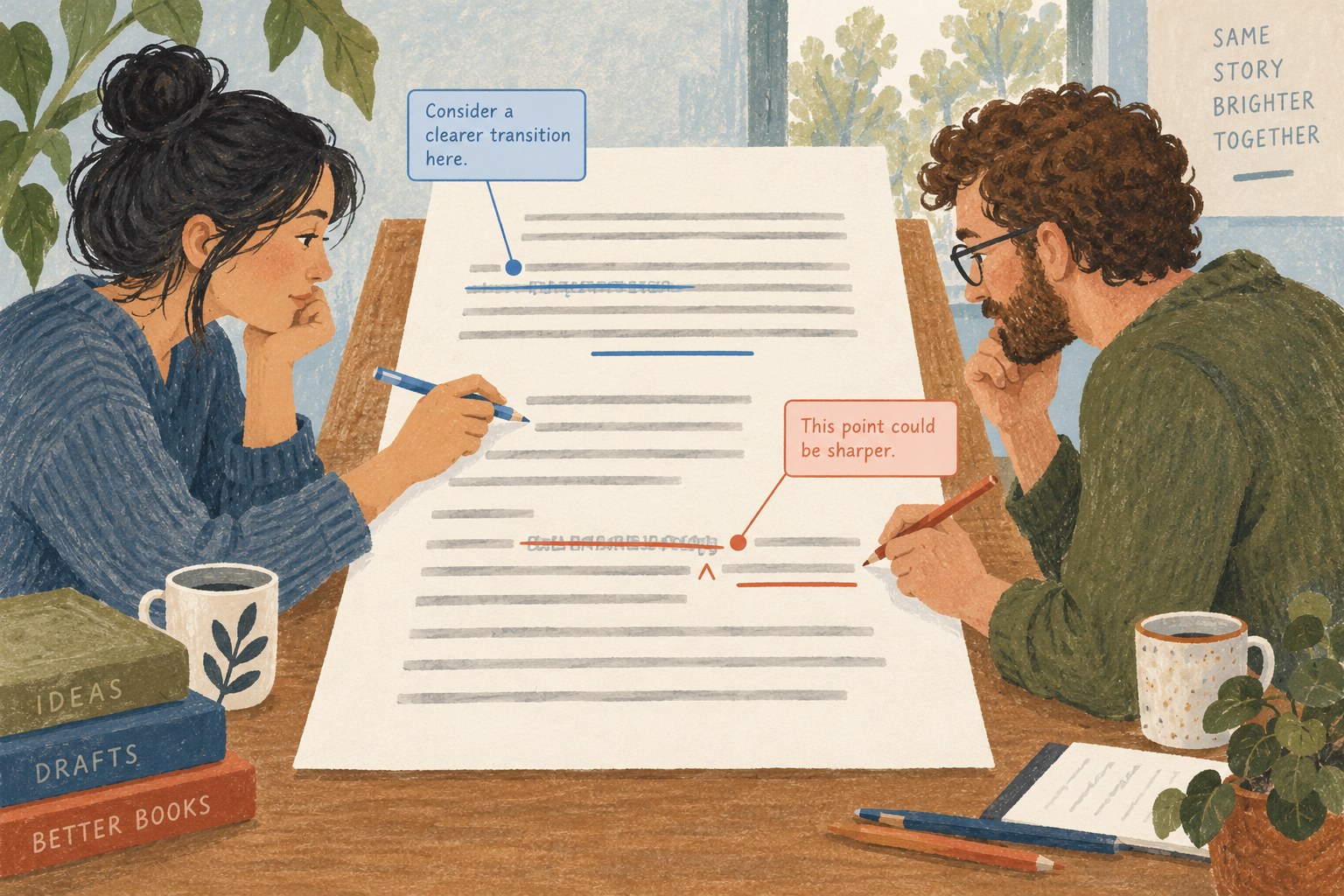
Google Docs distinguishes editing and suggesting, and its documentation explains that suggestions can be accepted or rejected. Use suggestions when a proposed textual change should remain visible for review. Use comments for questions, explanations and issues that do not yet have a ready replacement sentence.
Tell collaborators which mode you expect. The interface alone does not establish an editorial agreement. Someone may have permission to edit but still be asked to suggest during a particular round. Conversely, a designated editor may be authorised to make routine corrections directly while leaving substantive questions as comments.
Anchor each comment to the relevant phrase or passage. Explain the problem and, when helpful, the intended outcome. “Unclear” may identify a reaction, but “I cannot tell whether this date refers to the interview or the event described” gives the author something specific to resolve.
Keep separate issues in separate comments where possible. A long thread containing a factual query, a sentence rewrite and a request for a new example can be difficult to close accurately. A resolved status should mean the issue has been handled, not merely that the thread was inconvenient to look at.
When two suggestions conflict, resolve the underlying question before choosing wording. One reader may want more explanation while another wants a faster opening. The author needs to decide what the passage must accomplish, then select a revision that serves that purpose. Combining both suggestions mechanically can make the paragraph longer without making it clearer.
Google's version-history tools can show earlier states and identify changes, subject to permissions and the service's behaviour. Name meaningful milestones where appropriate so that a review round can be recognised later. Check current documentation for the exact features available in your account and application.
Do not rely on memory to reconstruct why an important change was made. Keep a short decision note for substantial structural choices, especially when a section is removed or a claim is narrowed. Version history can show the words changing without fully preserving the reasoning behind the decision.
Maintain a separate export or backup at significant milestones in a format suitable for the project. Account access, sharing mistakes and service behaviour are different concerns from collaborative editing. A shared draft should still fit into the author's broader recovery routine.
Set a point after which new comments belong to the next round, unless an urgent correction is necessary. Review unresolved comments and suggestions, accept or reject changes intentionally and confirm that no private discussion remains in a file being sent onward.
Export a test copy in the format required by the next stage. Google documents that suggestions and Microsoft Office tracked changes can convert between the systems, but a real manuscript may contain other features that need checking. Inspect representative changes, notes and formatting in the exported file instead of assuming the whole conversation travelled perfectly.
Tell collaborators when the round is complete and identify the new active version. A clean handover prevents late edits from entering an already approved file without review. The purpose of the shared document is to make contributions visible and decisions manageable, while keeping responsibility for the final text clear.
Tools & workflow
Use the Binder to make the next piece of writing easy to find, and add structure only when the project needs it.
Tools & workflow
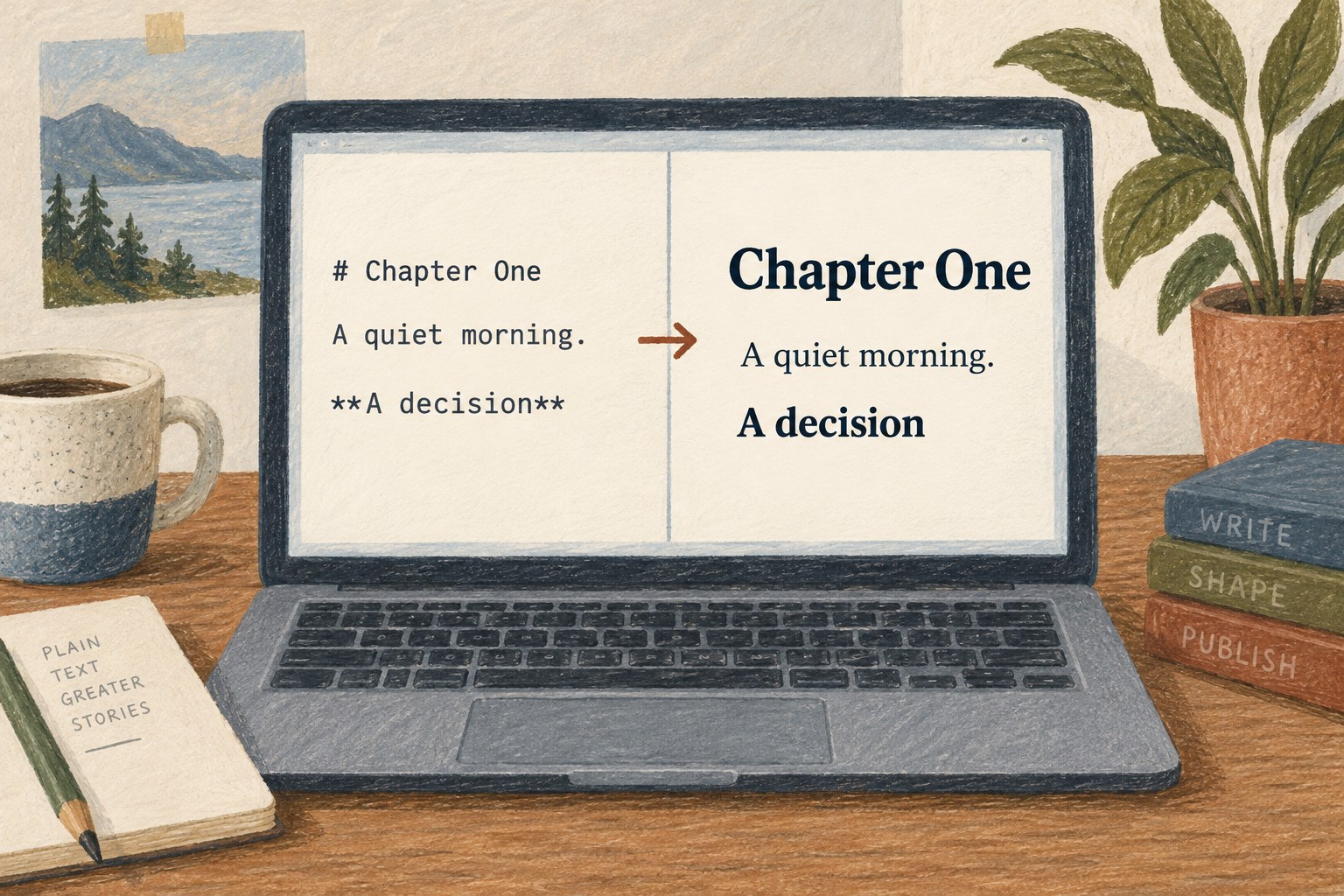
Plain text can simplify drafting when the book’s structure is modest and the later conversion is understood.