Tools & workflow
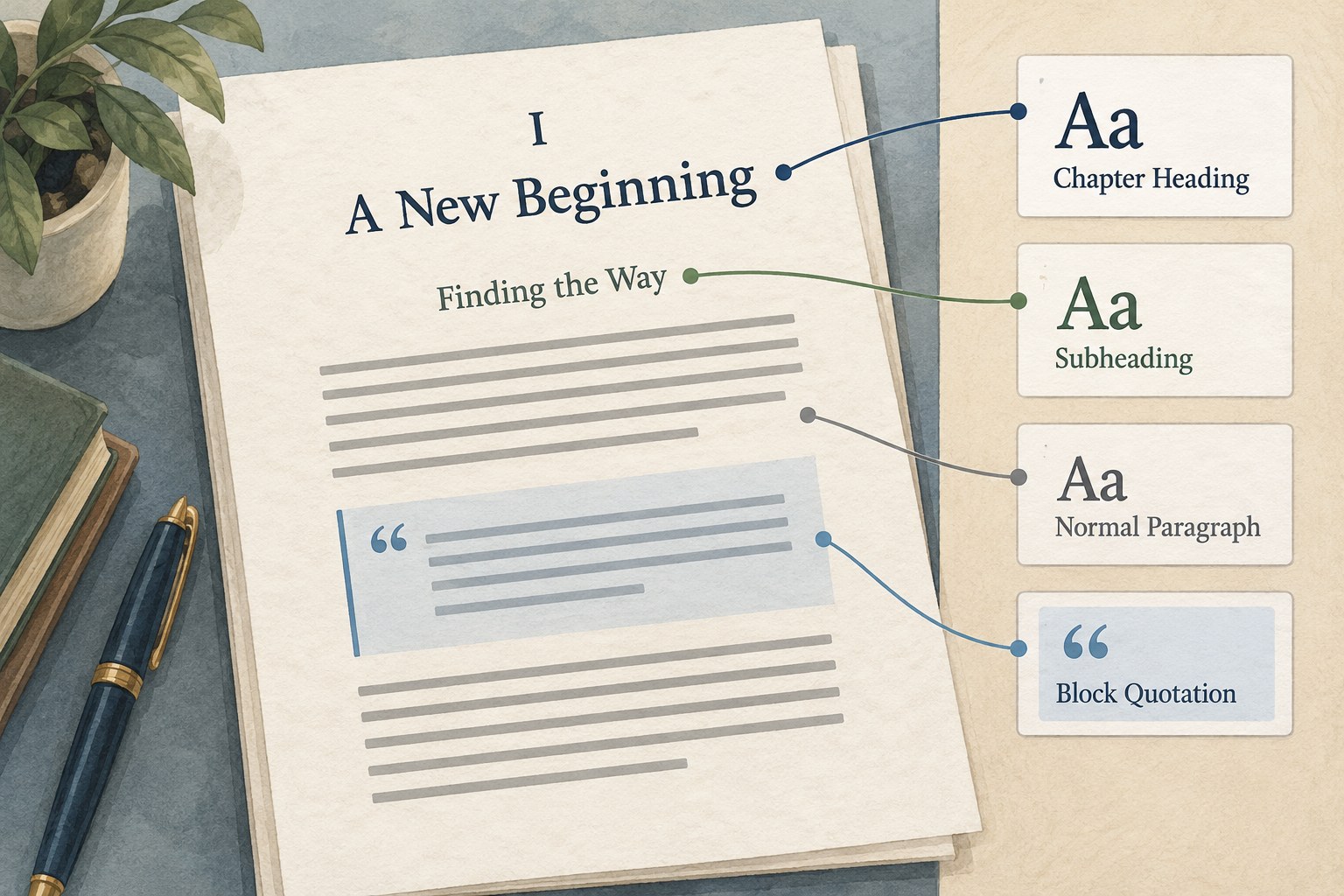
Document styles before the manuscript grows
Styles give repeated elements a shared identity, making long documents easier to revise and hand over.
Tools & workflow
Compare tools using a representative piece of your own work, including the moment when the draft must leave the app.
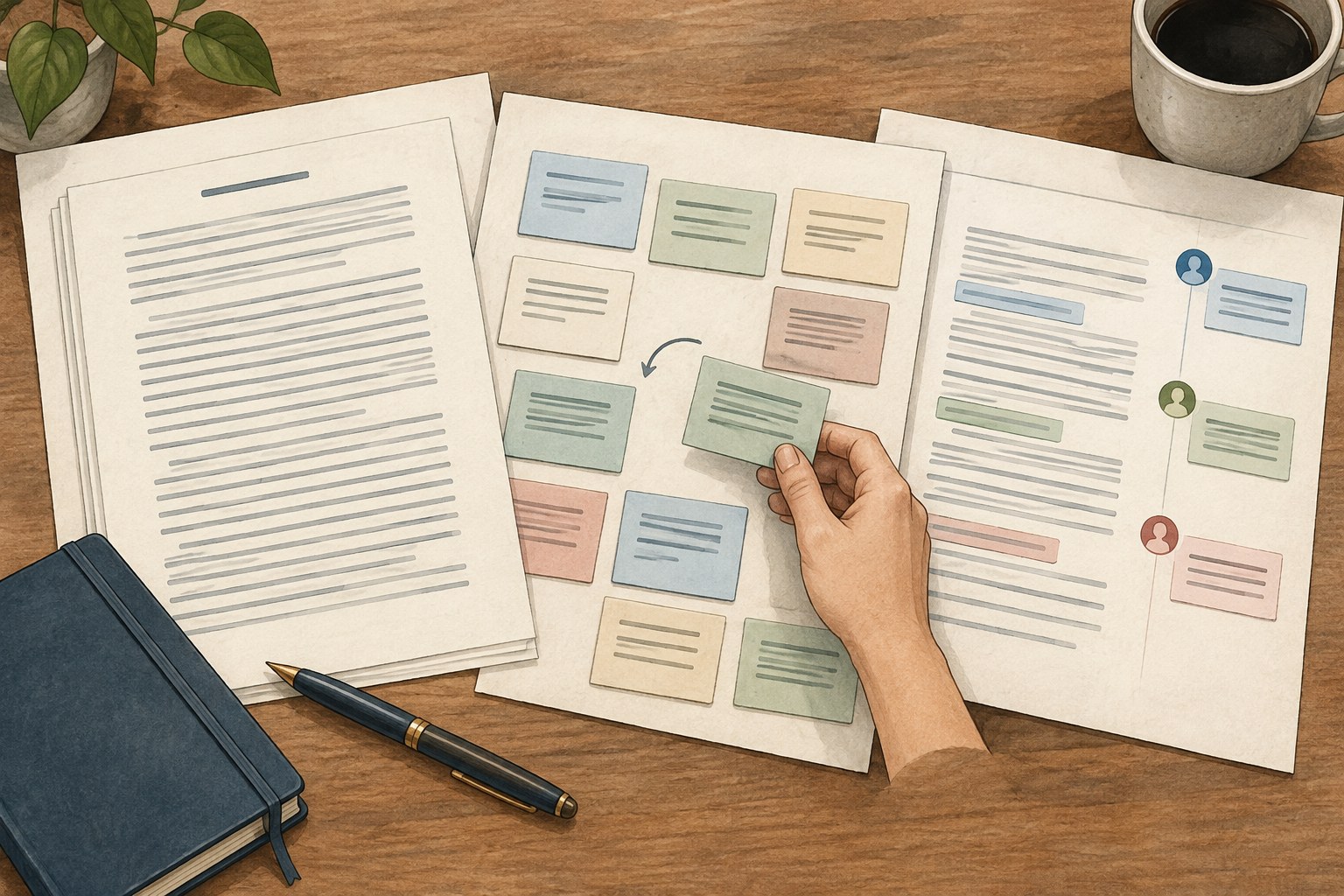
The right writing app depends on the tasks that repeatedly occur in your project. A writer composing continuous essays may need different navigation from a novelist moving many short scenes. Someone sharing a draft with an editor may care more about comments and change tracking than about an elaborate planning board.
Write down your current sequence from idea to handover. Include capturing notes, drafting, reorganising, reviewing feedback, exporting and archiving. Mark the points that actually cause friction. A tool should solve a real problem in that sequence; a feature that looks attractive but never enters the work is not a strong reason to migrate a manuscript.
Separate essential requirements from preferences. Working without an internet connection may be essential in your situation. A particular background colour may be pleasant. Both can affect comfort, but they should not carry equal weight when comparing tools. Limit the essential list to conditions that would genuinely prevent you from completing the project.
Create a small copy of material that resembles the book. Include a chapter heading, ordinary paragraphs, italics, a quotation, a note and an image if the project uses them. For a scene-based book, include several sections that can be moved. A blank document does not reveal how the application handles your actual complexity.
Try ordinary work rather than exploring every menu. Write a new passage, find an earlier note, move a section, revise a paragraph and locate a comment. Notice how many decisions the interface asks you to make before you can continue. Powerful software can be suitable even when it requires learning, but the learning should serve a need you have identified.
Test the device you will use most often. A workflow that feels comfortable on a desktop may be awkward on a small laptop or touch device. Check current official documentation for platform support, offline behaviour and feature differences. Product names can stay the same while the capabilities of their versions differ.
Export the test project into the format required by the next person or stage. Open that file in a separate application and check structure, notes, special characters, images and comments. The ability to type comfortably is only part of a publishing workflow. A tool that cannot hand over usable material creates work later.
Check whether the project remains understandable outside the application. Some tools store text in a proprietary project structure; others use common document or plain-text formats. Either approach can be useful, but know what must be preserved and what software is needed to reopen the work. Keep a readable export as an additional record when appropriate.
Ask collaborators what they actually need. An editor may have a defined process for tracked changes or comments. Do not assume that every feature will survive conversion between applications. Test a small round trip with representative material before committing an entire book to an unfamiliar exchange.
Find out where the active project lives and how it is saved. A cloud document, a local file and a multi-file project package may require different handling. Read the application's backup and sync guidance, particularly if several devices are involved. Familiar icons do not guarantee identical behaviour.
Test recovery on a disposable copy. Confirm how to reopen a previous version or restore from a backup, and note what the recovery includes. A writing app's convenience features should sit within a broader backup routine rather than become the only protection for the manuscript.
Review current pricing, export restrictions and account requirements directly before choosing a paid tool. Those details can change. Include the cost of learning and migration in your decision, even if the subscription or purchase price is modest. Moving tools during a deadline can be expensive in time.
Compare candidates against the same tasks and keep the results short. If two tools both meet the essentials, choose the one you can operate consistently rather than continuing indefinitely in search of a perfect environment. A writing setup can be revised later when a new requirement appears.
Keep the original project and a verified export before migrating. Begin with a copy, confirm the important content and establish a new active version deliberately. The best result of evaluating a writing app is a clearer route through the work, followed by less time thinking about the app itself.
Tools & workflow
Styles give repeated elements a shared identity, making long documents easier to revise and hand over.
Tools & workflow
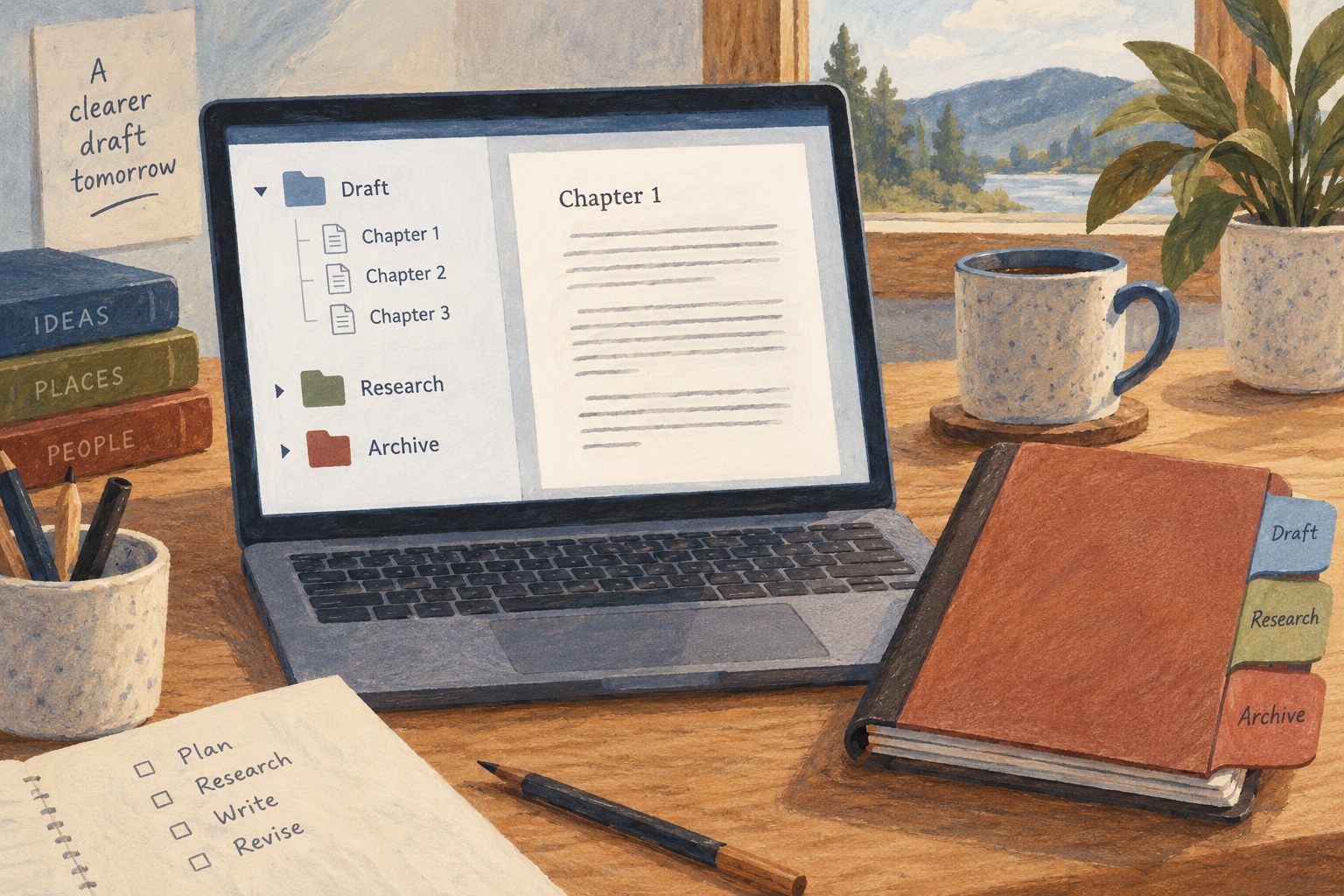
Use the Binder to make the next piece of writing easy to find, and add structure only when the project needs it.